
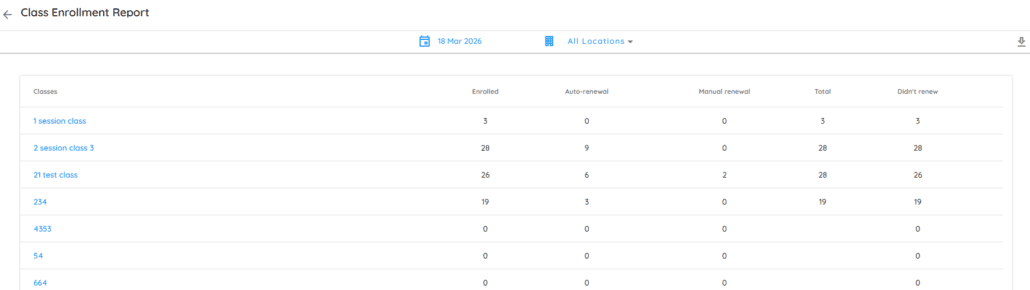
The Classwise Enrollment Report allows you to download enrollment and attendance details for a selected class.
You can choose a class, select a time period, and download the report in different formats.
- Go to the Reports section.
- Click Classwise Enrollment Report.
- Download Report As
- You can download the report in two formats.
Detailed Report (Plan wise)
- Detailed Report (Plan wise)
- Shows attendance based on each subscription plan.
- Attendance is displayed separately for each plan.
Overview Report
- Shows the total number of present and absent days.
Download the Report
After selecting the class, duration, and report type:
- Click the Download button at the top right.
- The report will be downloaded to your device.